Log Box
My Initial Thoughts on the iPhone Duo

My iPhone Duo arrived Friday. I was one of the lucky ones who ordered at launch and got an October 23rd arrival date. Yes, it was expensive, and yes, I am very privileged to be able to afford this device. I migrated from my iPhone 17 Pro Friday afternoon/evening. I used device-to-device migration, and it went flawlessly and pretty quickly.

I went with the 512 GB model in Night Sky, which is pretty close to the same color as the Pro phone I was replacing. I also purchased the iPhone Duo Folio with Kickstand in Taupe. More about my case choice/strategy later.

This is not intended to be a full review of this device. I would probably not do a good job of that. This is a collection of my observations from a couple of days of use. I am enthusiastic about this device, but it has flaws too. I don’t think any of these flaws are deal breakers for me.

One thing that I’ve found annoying this week is the tenor of the conversation between some members of the Android community and the Apple fans. Yes, there have been foldables on Android for years. I actually came close to buying one several times over the past few years. I have stuck with a regular Pixel as my Android. Some people in that community seem to want so badly for the Apple device to be flawed. Every first-generation device is flawed at launch. Some Apple fans seem convinced that everything before this device had to be shit. I wish that both groups would just let it go and direct all this energy toward something constructive.

Going from a candy bar iPhone 17 Pro to the single squat front screen on this device was a big transition, and not necessarily a pleasant one at first. About a day in, I was convinced that this was bad enough, from my point of view, that I might return this phone. Two days later, I am completely flipped around on this. I don’t think it’s “the worst iPhone Apple has ever made”, as per John Gruber, but that might be a defensible position. The more I have used it, the more my affinity for it has increased. I’m right-handed and have pretty big hands, so it’s very comfortable for me. Your mileage will definitely vary. I’m also loving having that little front screen as a photo frame on my desk in tabletop standby mode.

This phone is heavy. I’ve seen lots of complaints about the weight in various reviews. For me, this hasn’t been an issue. The device fits comfortably in my front left pocket, where I have kept all my phones. I’m a 5’11” loose-pants guy, so those pockets have some room. I won’t be able to keep it in my shirt pocket like my iPhone Pros because of the weight, but I don’t do it that often.

I’m definitely a photo guy. I love taking pictures. I will miss the third lens a little, but I also own a few nice cameras I should be using more anyway. The iPhone Duo Folio case is awkward for grabbing a quick picture of something because of the front flap. I may end up using another case some of the time. I do love this case. It is too expensive, but it’s a really great way to wrap the phone up safely and to have a stand for the unfolded usage. It feels premium and really well thought out. I haven’t paired this device with a keyboard yet, but I think it will end up being a great small on-the-go work device paired with a folding keyboard.

The lack of Face ID is annoying for sure, but not for the outside screen. I’ve already been using an iPad mini around the house that only has Touch ID, so that aspect in general doesn’t bother me. What makes this a challenge is actually all the different ways that I use the large inner screen. You can hold this device a number of ways when open. I don’t always instantly know where the Touch ID sensor is without looking for it or feeling around. An orange dot or some other visual indicator on the Touch ID button would have been a welcome addition to make it easier to see at a glance. They have included a software affordance for this, but it’s not reliably there. This is also true for taking screenshots. I find myself searching for the buttons depending on how I am holding the device.

The apps that are already updated, like NotePlan, Overcast, CARROT Weather, and Bear, are stellar to use. On the other hand, I was super disappointed to discover that the Amazon Kindle team didn’t even do basic bug fixing on the Kindle app. It didn’t work well at launch. I rely on this app daily, so this wasn’t great. Many other apps that I use on a regular basis work, but haven’t been updated for the new inner screen. This is probably just a patience thing. These apps work fine, and I can wait. A single iPhone app-sized window in the middle of the big screen just feels bad. Being able to run two apps side by side is great, but I also would love to have even more flexibility.

I have no regrets about buying this device at this point. I am definitely the target demographic for it, and it will be amazing for work travel. I will add additional thoughts in posts as I think I have something worth sharing.

I did, in fact, Duo.

Early voted. Please vote.

Removing the Siri Dingus
The Siri indicator beside the text cursor in macOS 27.

I’ve been super annoyed by the Siri dingus since upgrading to macOS 27. This morning I decided to find out if there was a way to get rid of it. Happily, someone pointed me to this post on Twitter (X) with the commands to remove it. I’ve run them, and they do appear to work. The post also contains the commands to re-enable it.

To disable it, run the following in Terminal:

sudo mkdir -p /Library/Preferences/FeatureFlags/Domain && \
sudo defaults write \
  /Library/Preferences/FeatureFlags/Domain/WritingTools \
  LightweightUI_macOS -dict Enabled -bool false

Once you have run these commands, you need to restart your Mac.

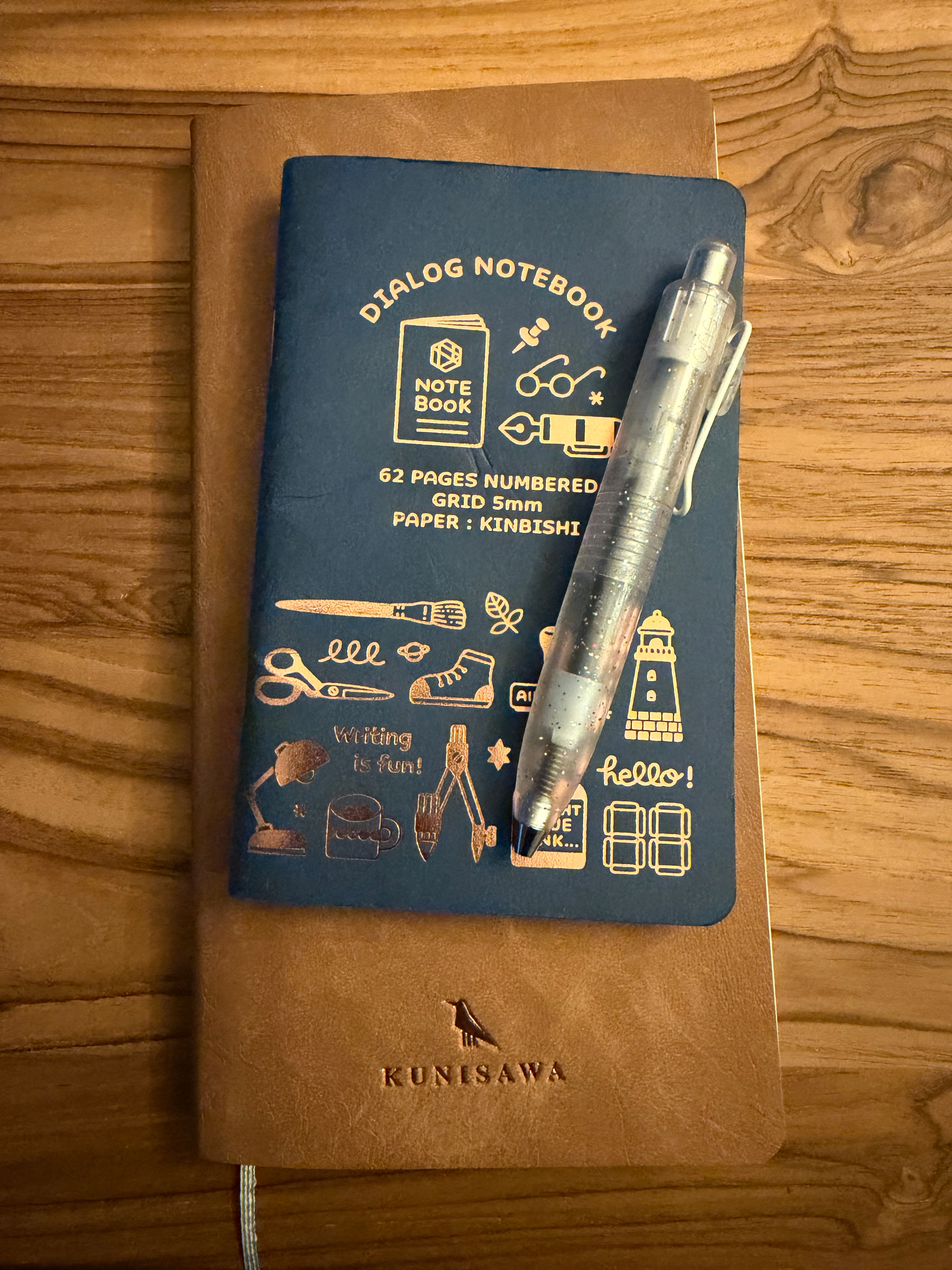
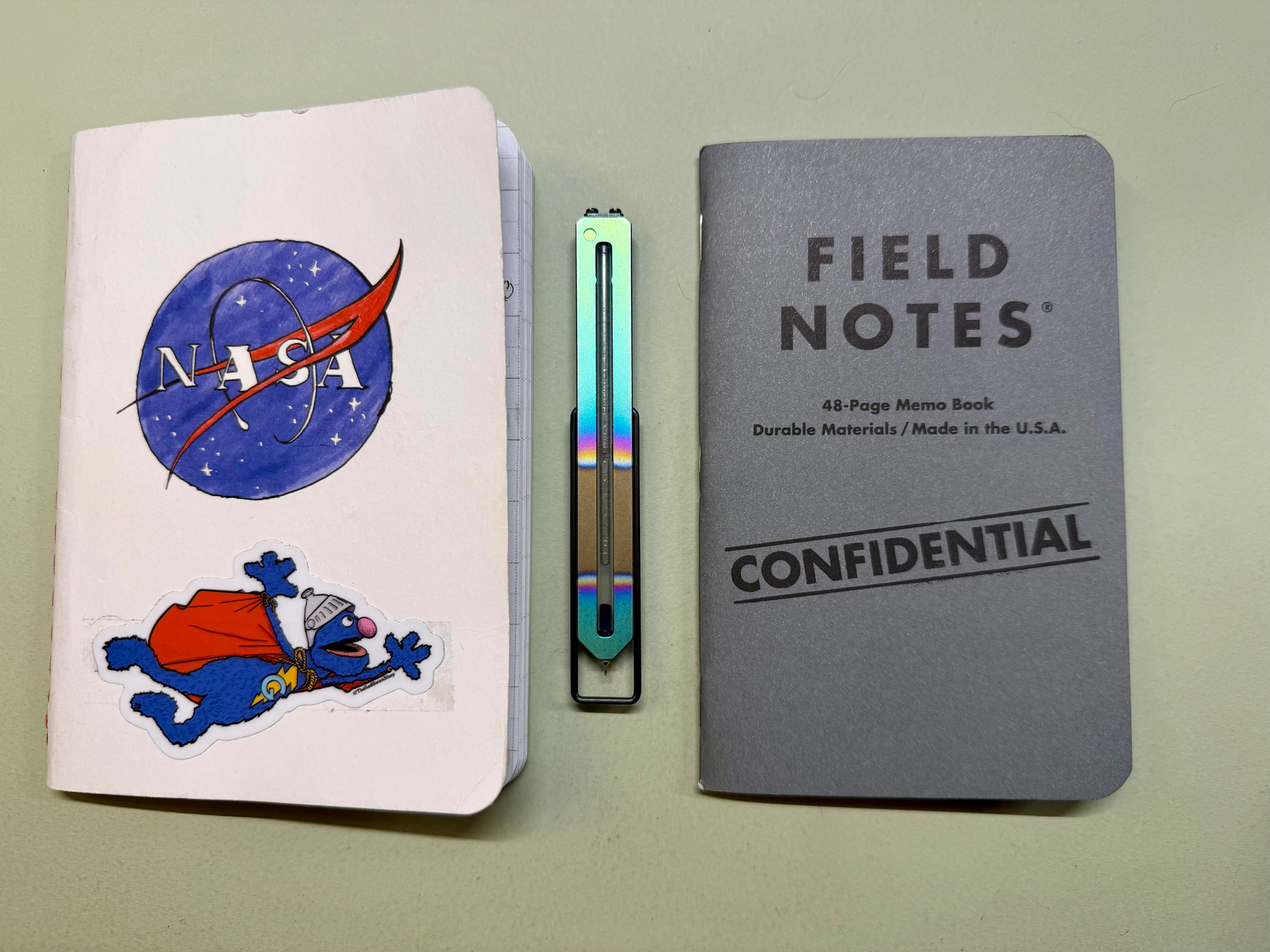
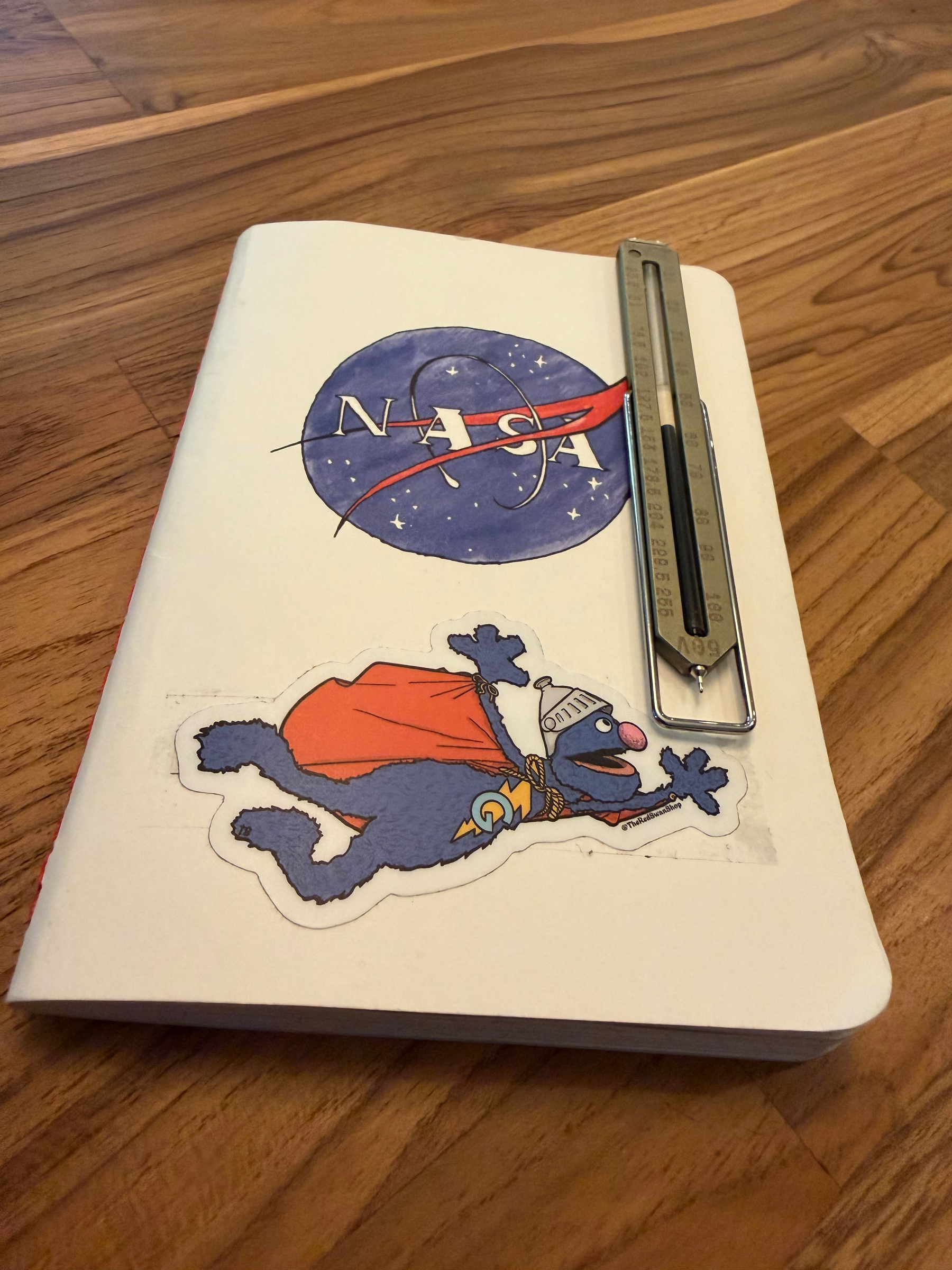
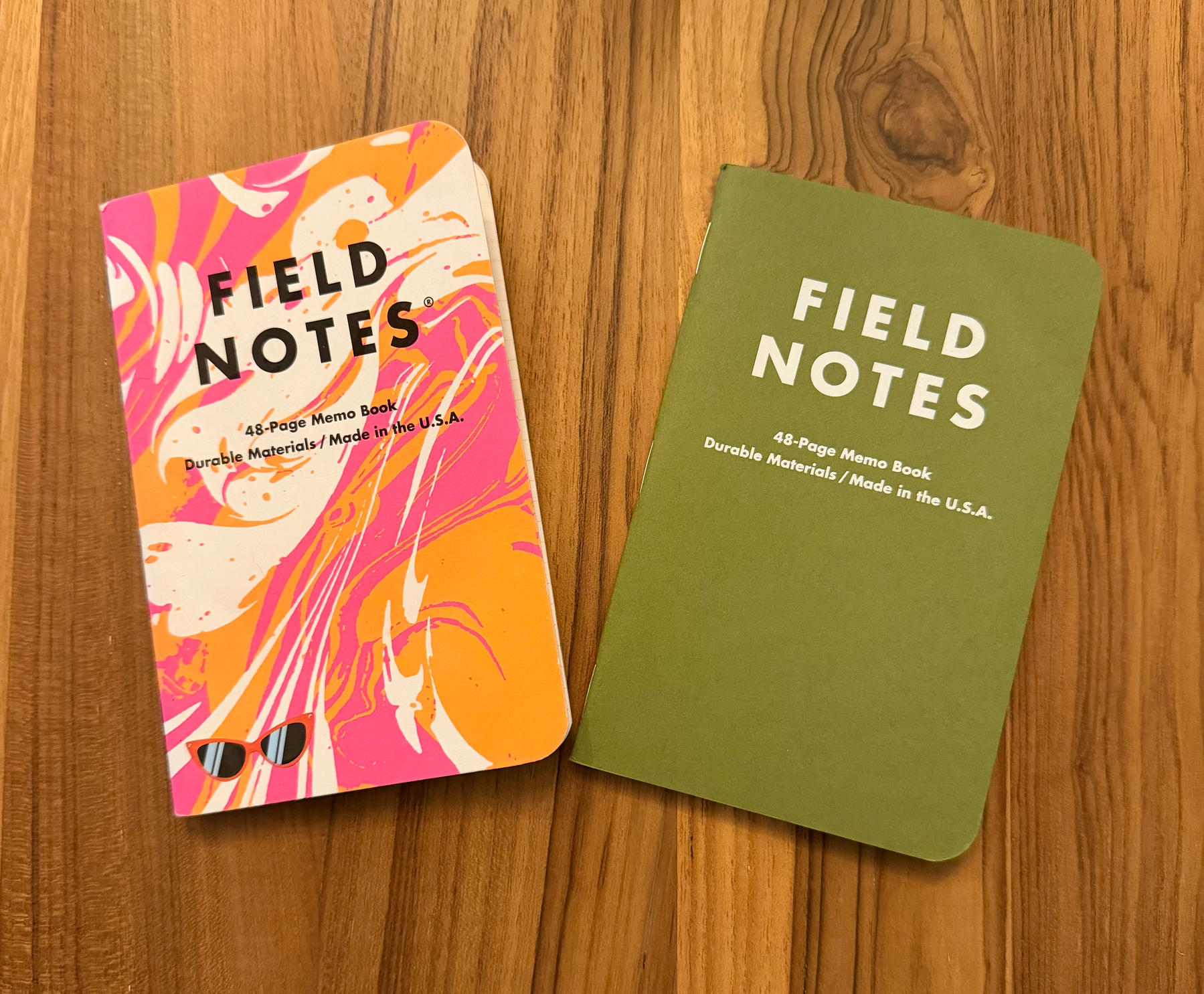
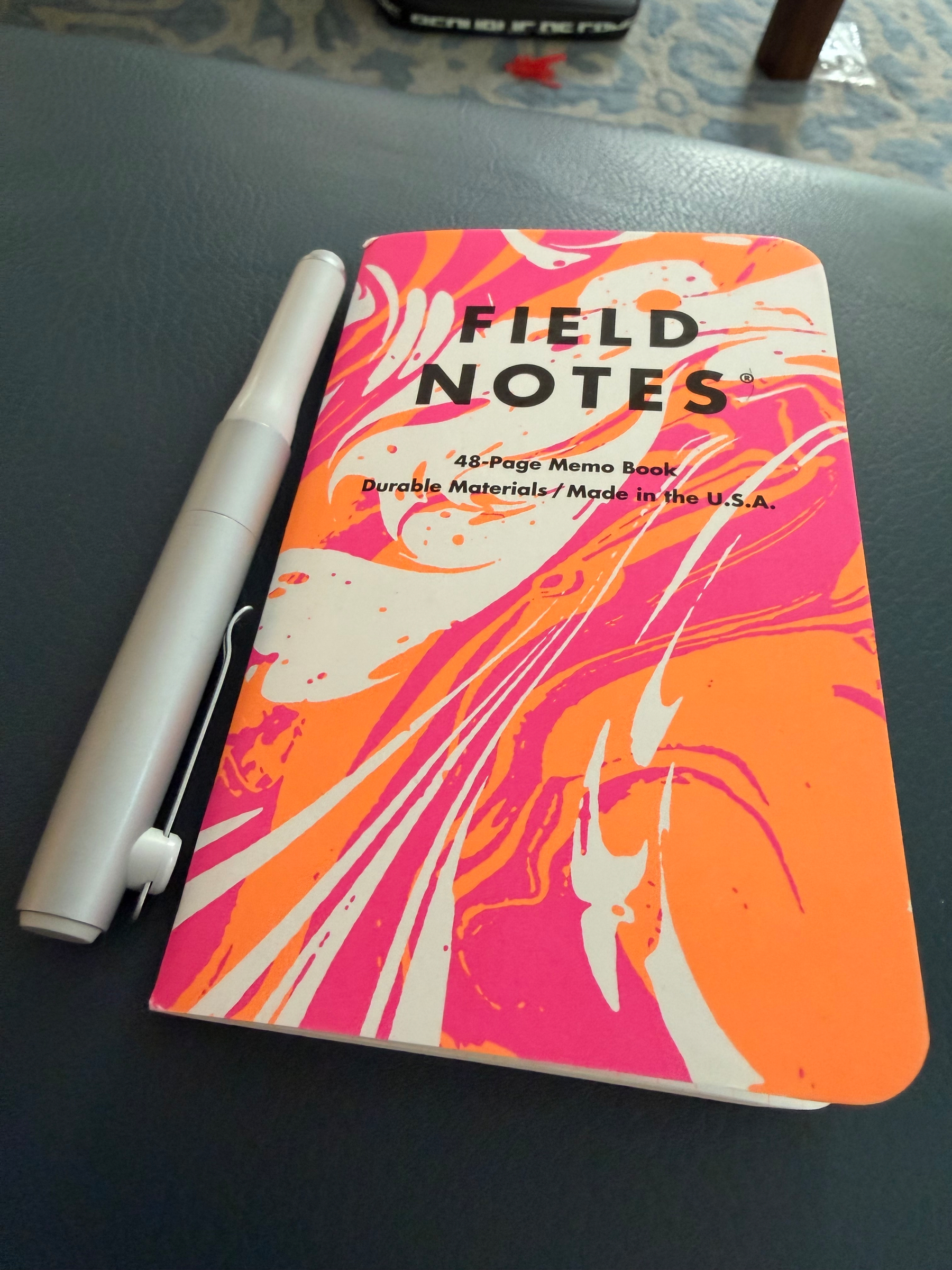
Last day journaling with this combo, both are full.

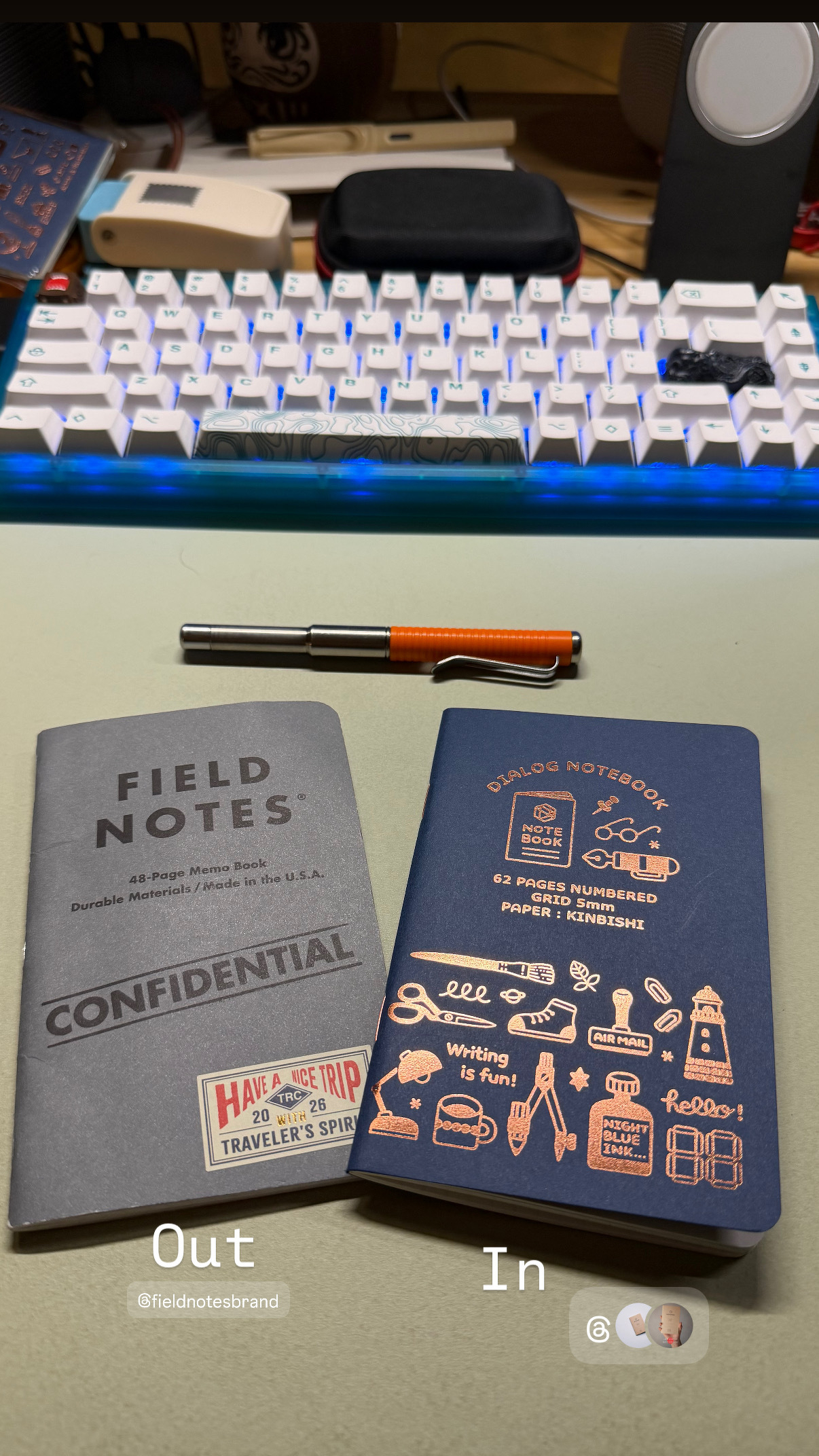
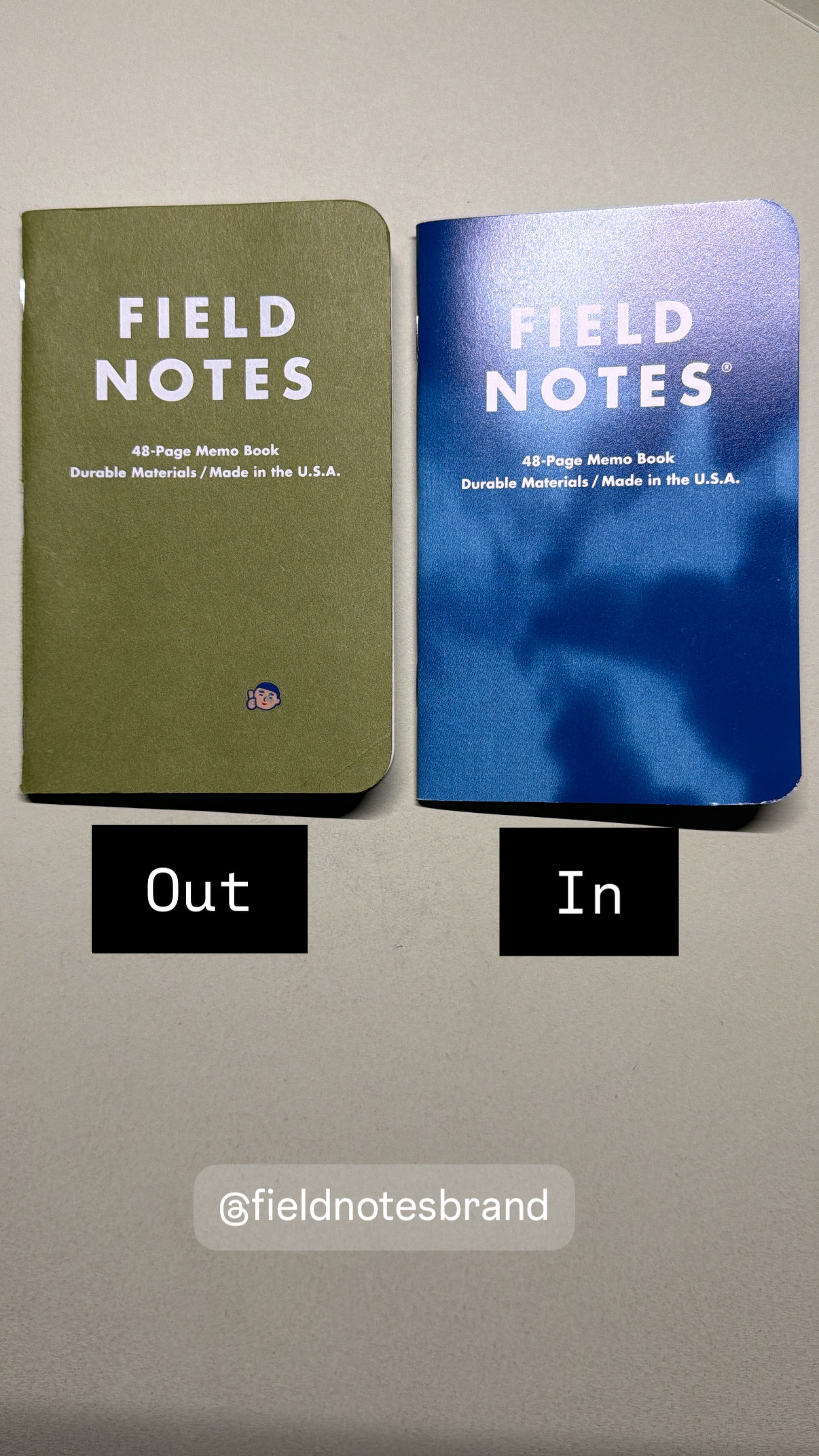
September In/Out

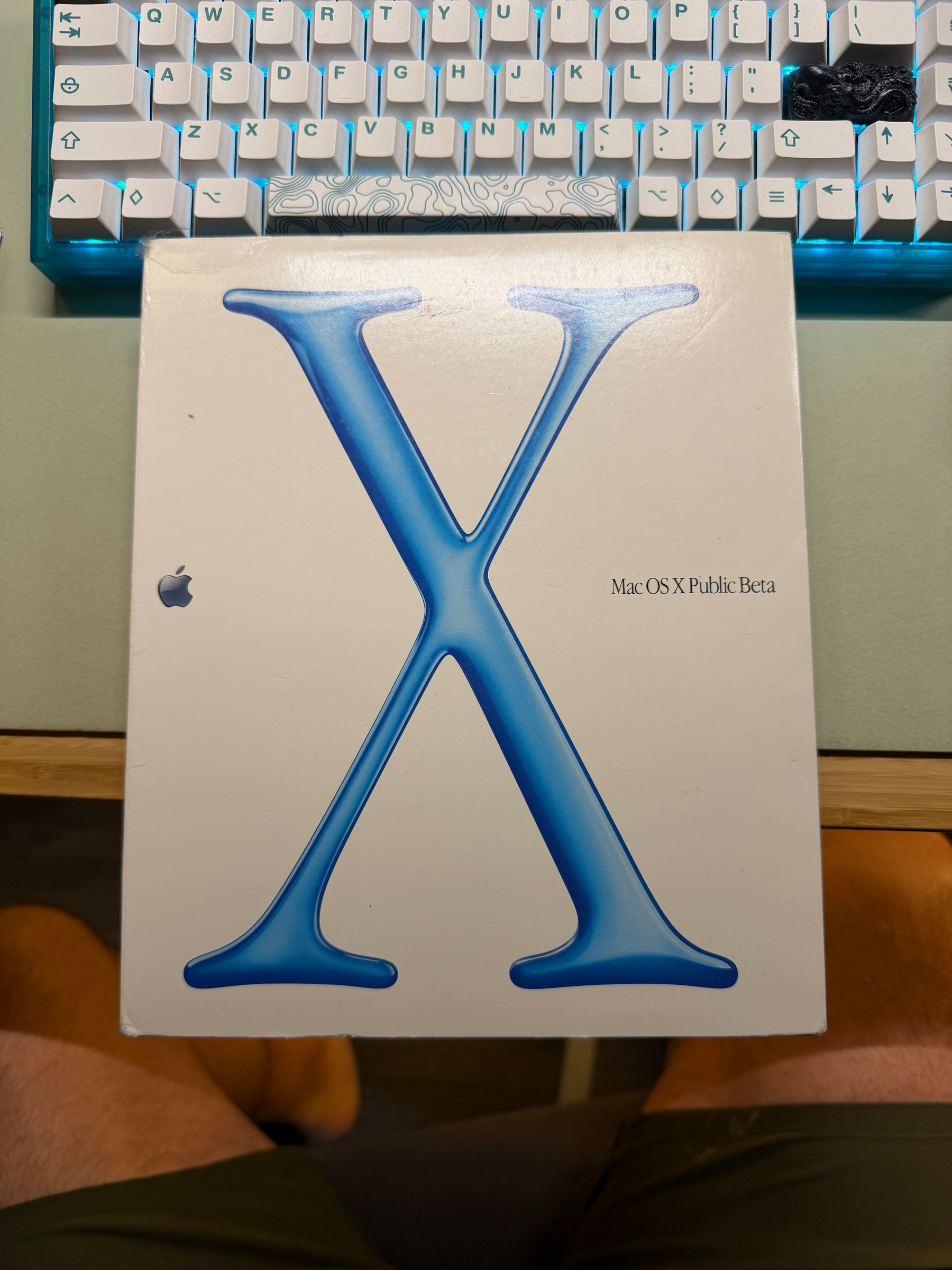
Why do I still have this?

Truly Mine

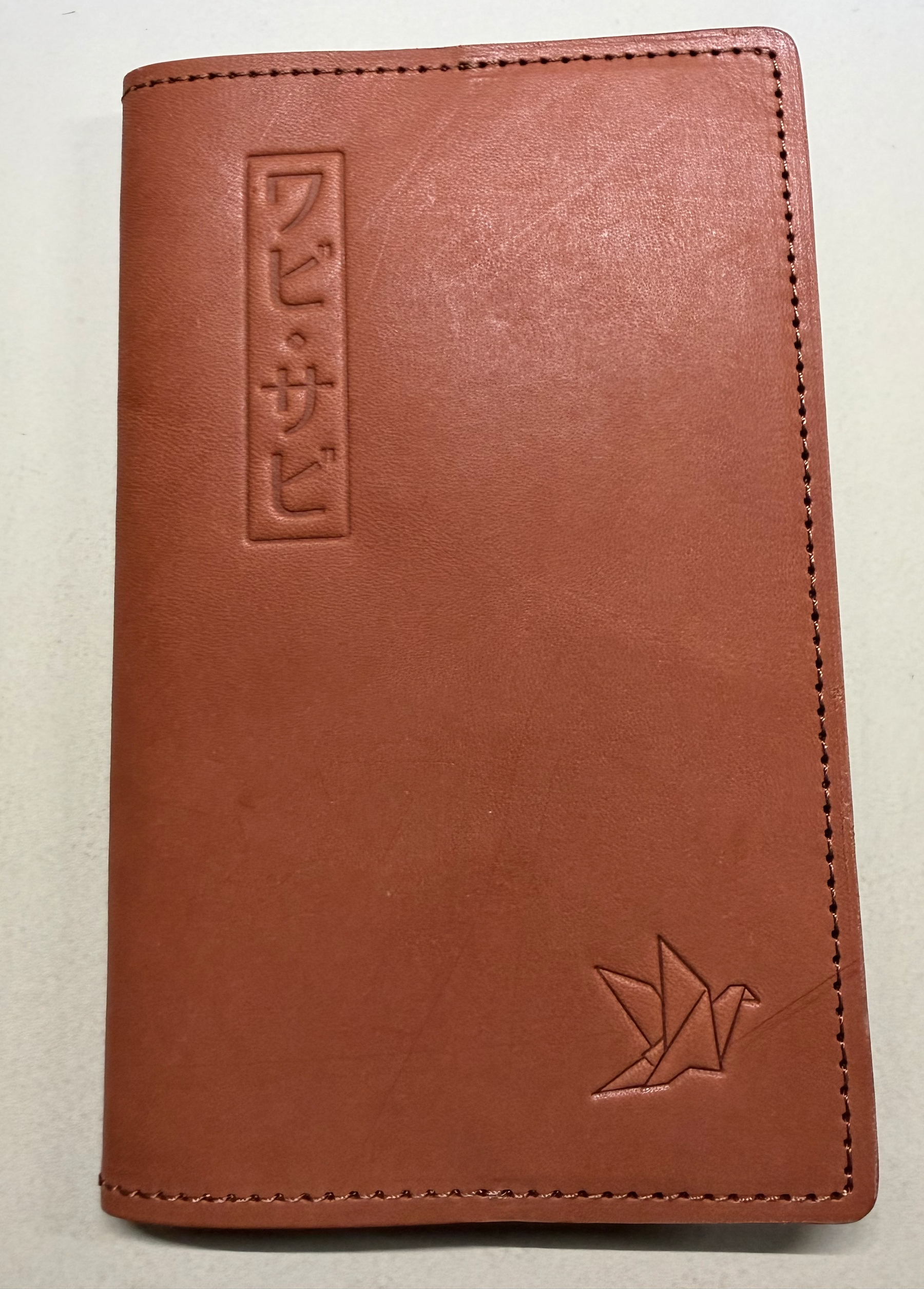
B6 Slim has long been one of my favorite notebook sizes, and I think I have filled dozens of the Midori B6 Slim notebooks over the last few years. There’s something about the paperback size that just feels right to me, not too small for work stuff, not so big it can’t come along with me anywhere. I’ve brought mine along on many work trips to Hawaii, Los Angeles, Brazil and Portugal.

I was thrilled when Brad at Pen Addict did his own run of these notebooks. I ordered a couple to go with the half dozen I had in my closet and originally planned on putting them in the Midori Goat Leather case that I have used for years. It has developed a nice patina.

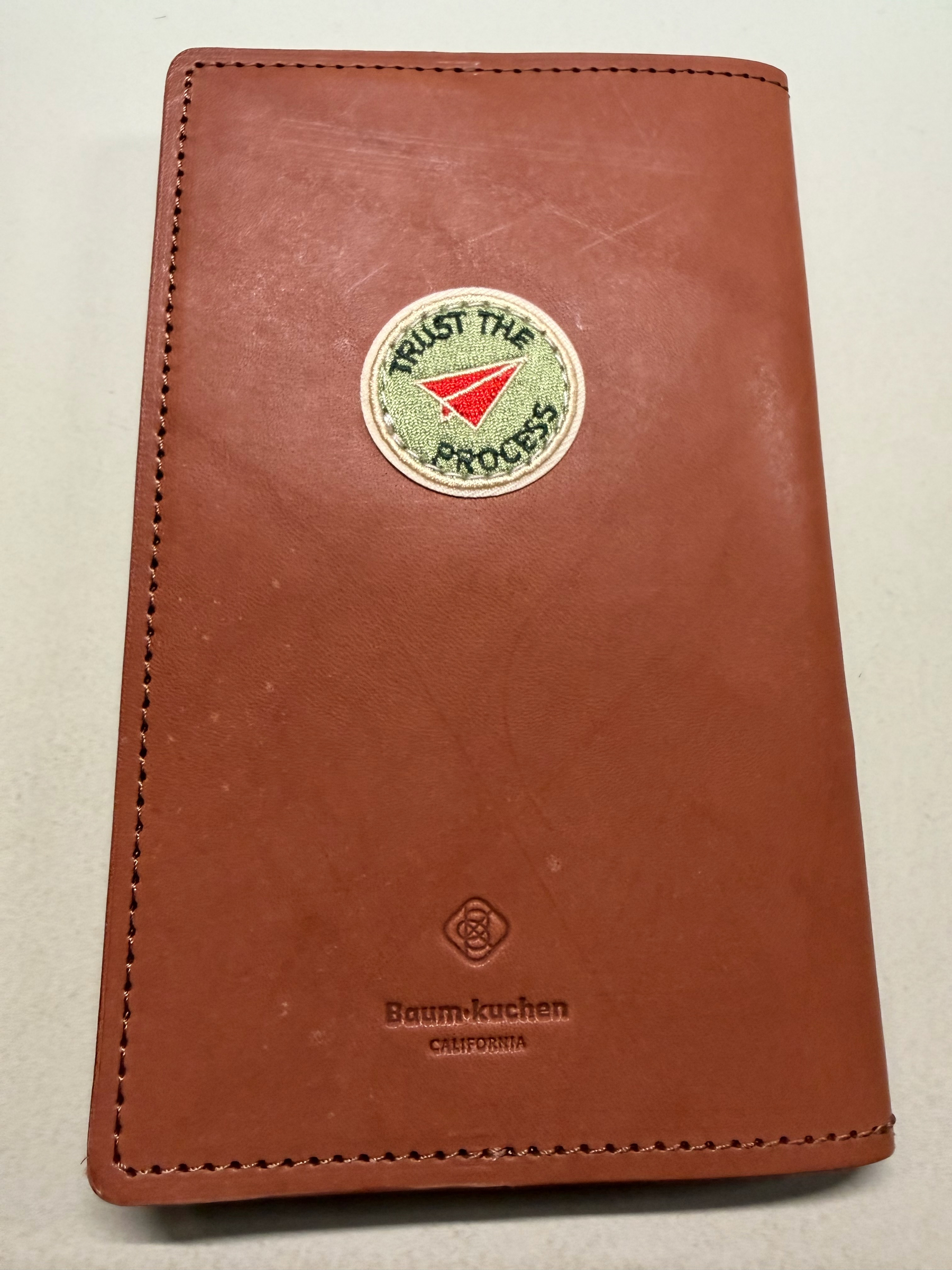
Then, a few days later, I saw the announcement that Baum-kuchen were releasing a B6 Slim version as a part of their Alchemist line of notebook covers. I’ve long wanted to work with them and their “Truly Yours” service to customize a Traveler’s Notebook cover, and decided to get an Alchemist and give it the Truly Yours treatment.

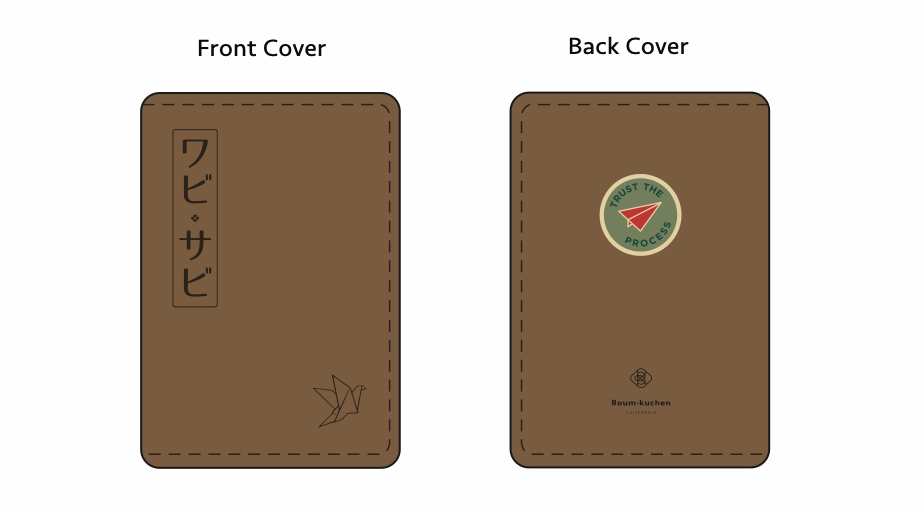
First, I messed up. I ordered the cover, then sent them an email. This is not how you’re supposed to request their Truly Yours service. They were patient with me, and soon we were designing what would eventually become my personal Alchemist. Not very long after that, I got this great image confirming what I was looking for.

Design Comp

You can get all manner of rivets, patches, embosses, and side pen loops added, but I wanted to keep mine relatively simple. Two embosses and a “Trust the Process” patch to remind me that I am not as patient as I need to be sometimes. Each of these customizations is done by hand, and the Baum-kuchen team were very careful to set my expectations. I wasn’t expecting to see it for many more weeks when I got the shipping notification!

Truly Mine!

The cover was waiting for me when I arrived home from my most recent business trip to London last weekend, and I’m thrilled with the results. I look forward to this taking on its own patina as I use it and age it. I almost want to fast forward through my current Bullet Journal so that I can start using this new one as my daily driver.

Trust the Process

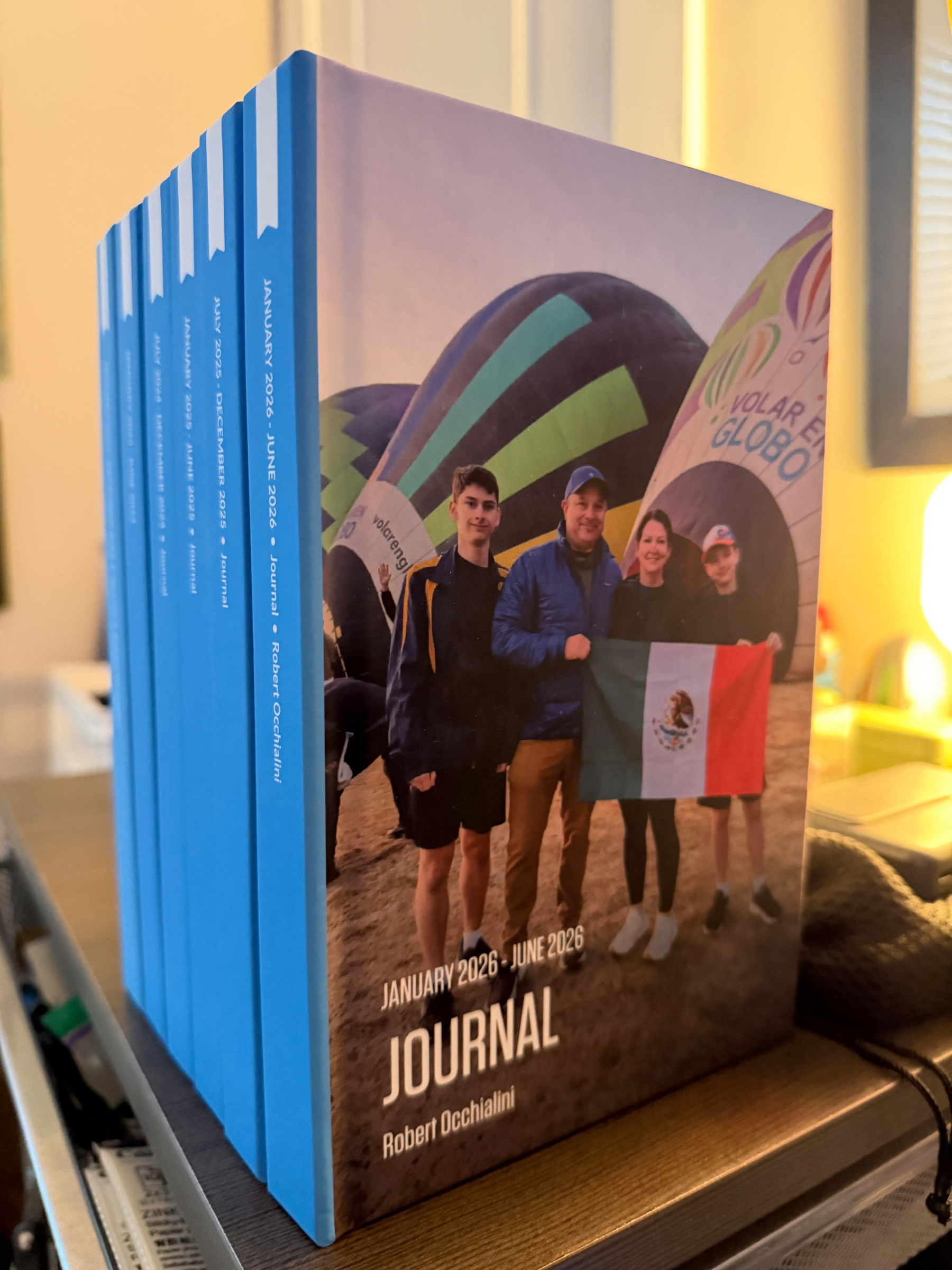
One of the best things about committing to Day One every day. Three years of my life that I love thumbing through.

Out: Tom Sachs Astronaut Log In: Field Notes Loot Crate March, 2015

The Homebase: My Custom Home Dashboard

A couple of months ago Matt Haughey wrote a post about “vibe coding” his home dashboard, and something clicked. Matt built himself a page “plexology” he calls it, that pulls in everything he wants to keep an eye on: solar production, camera feeds, Plex downloads, the whole home network at a glance. I read it and thought, I want that. Not that exact thing, but that shape. One page, one URL, my house at a glance.

So I built one. It’s called Homebase and it lives at bump:8080, served off the Synology in my “work from home” office.

The stack is small. The Synology hosts the page, and a little custom code proxy. My own, but written with some help, it handles all the API calls and credential management. That means the front end just asks my server “what should this widget say?” and the server does the actual fetching from ESPN, the weather service, Blizzard for the WoW data, Tailscale, my Hue smart lights, Scrypted for the Blink cameras, and everything else. One place to keep the tokens. One place to add caching. One place to bolt on the next widget when something new catches my attention.

Which has ended up happening a lot since I started this project in March. What started as “just the weather, my custom sports scores, Synology status and Tailscale” has crept into something a little more baroque.

There’s the Decatur forecast, a panel showing me if the WoW servers I play on are currently up, the item levels for my WoW characters at the level cap, every device on my Tailnet with its last check-in, today’s games for the teams I care about and what network each is on, the smart lights I actually pay attention to, Synology temp and CPU and storage, three Blink cameras piped in through Scrypted webhooks, my Goodreads challenge (51 of 100 as of this morning, on schedule, thank you), and a strip of the sites I open the most.

None of it is technically hard, exactly, but I probably would never have built any of it without a coding partner. I used Claude to build the whole thing, one widget at a time. “Add a panel for my WoW characters and hit the Blizzard API.” It’s less that AI wrote the code, and more that AI turned the whole project into a conversation. I got to stay in the mode I actually enjoy*”this looks wrong, this panel is too crowded, I want the ilvl in a different color* and let the plumbing follow along behind. I was still managing the code, the deployment, github and how things worked, but I got it done a lot faster than I would have ever been able to before. Also, it’s responsive, and that alone would have probably taken me a week to get right.

Along the way, I learned how I like to work with an agentic partner on projects like this. I learned a ton about managing context. This project started in chat, moved to Claude Code, and it’s now portable across machines through a custom set of context management files that I have evolved over time.

The nicest surprise is that Homebase has become the tab I open first in the morning, before email. There is something clarifying about a page that only shows me things about my house. My weather, my books, my characters, my cameras, my box in the office running warm. Nothing about the algorithm. Nothing anyone else can push into it. I think it will evolve and expand even more over time.

Thanks to Matt for the nudge.

I truly enjoyed Ryan Holiday’s recent post of wisdom on the yearly observation of his birthday. Something for everyone in there. He’s just so good at this, and inspiring.

Out: XOXO 2024

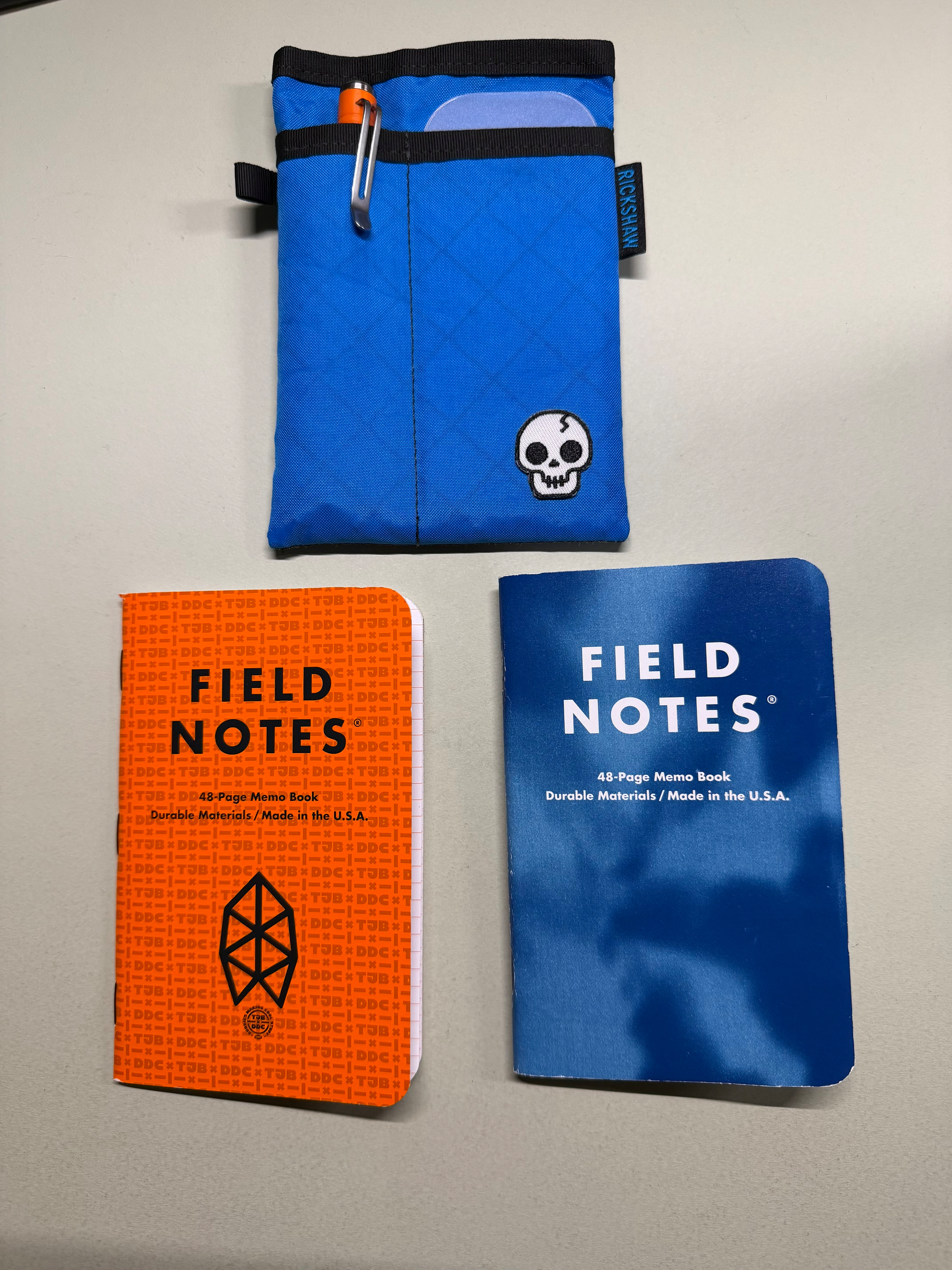
In: DDC x James Brand 2021

Delayed Out/In

Out: XOXO Festival 2016

In: “DAY GAME” LIMITED EDITION of 18,000, JUNE, 2012.

Mornings and Margin

I function at a much higher level with margin, and in my day to day work it is better if that margin is in the morning. I love a clear morning where I can exercise, then enter the day via the thoughtful morning routine that I have built for myself. A Bullet Journal review of where I left off yesterday, followed by some reading and contemplation time. As I sit here typing right now, watching the dog twitch on the couch as she dreams, I feel more ready for the tasks ahead. Some of this may be confirmation bias because I got a really great night of sleep last night. I, however, enter these days with a plan and intention. I must protect my mornings.

I write it down.

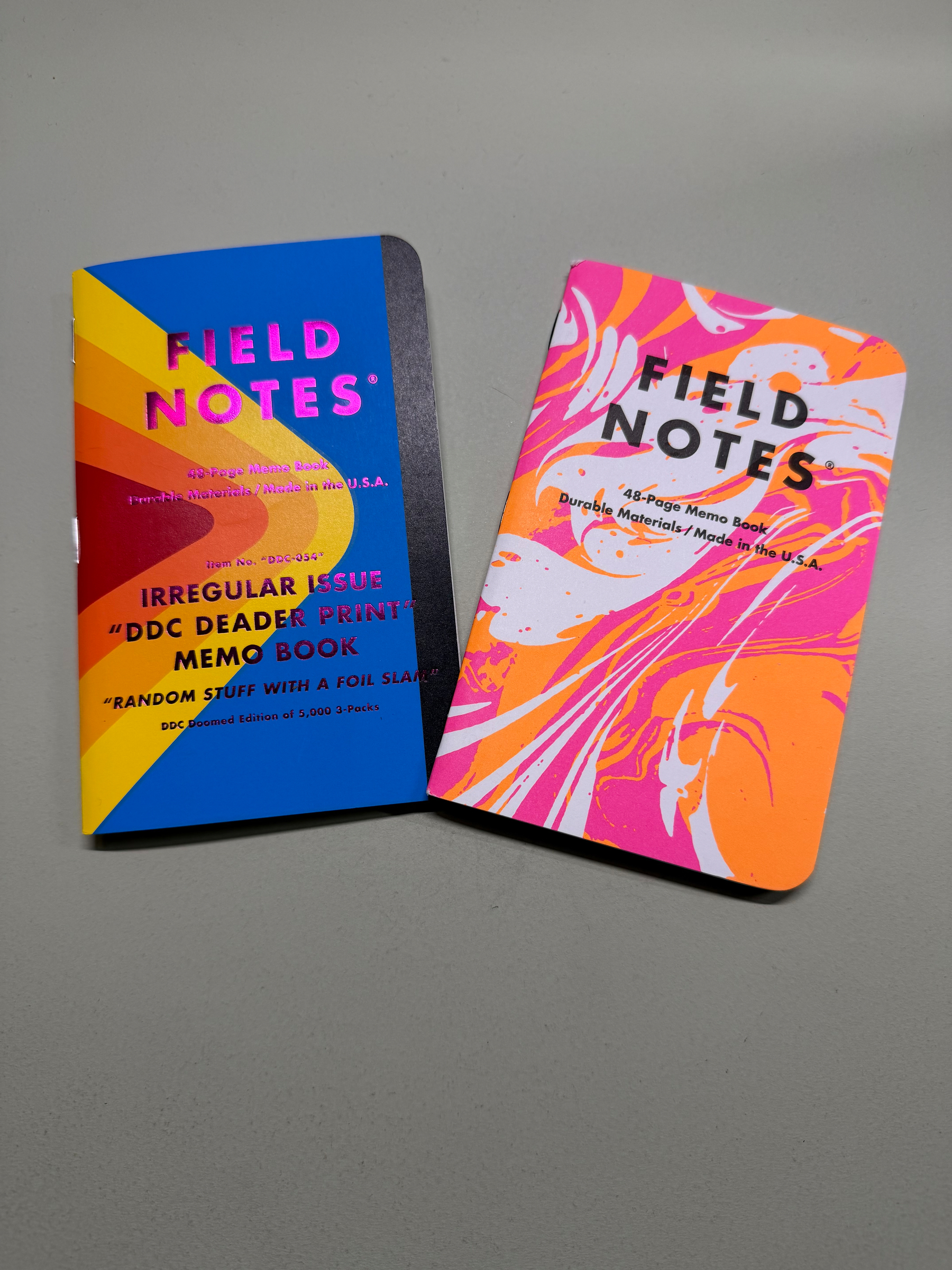
Out: DDC Irregular Doomed Edition Space Shuttle (December 2019)

In: XOXO Festival 2016

Doing Stuff Can be Relaxing Too

My weekend priorities:

  • Relax
  • Read
  • Make way for our new bedtroom furniture (excited).
  • NAS Maintenance.
  • Complete reconfiguring of my home office desk. (New job means different priorities.)